Hybrid identity and Intune endpoint management
Extended the on-premises forest into Entra ID with Entra Connect, then enrolled Windows 11 devices in Intune with compliance policies, BitLocker escrow, Conditional Access and Win32 apps.
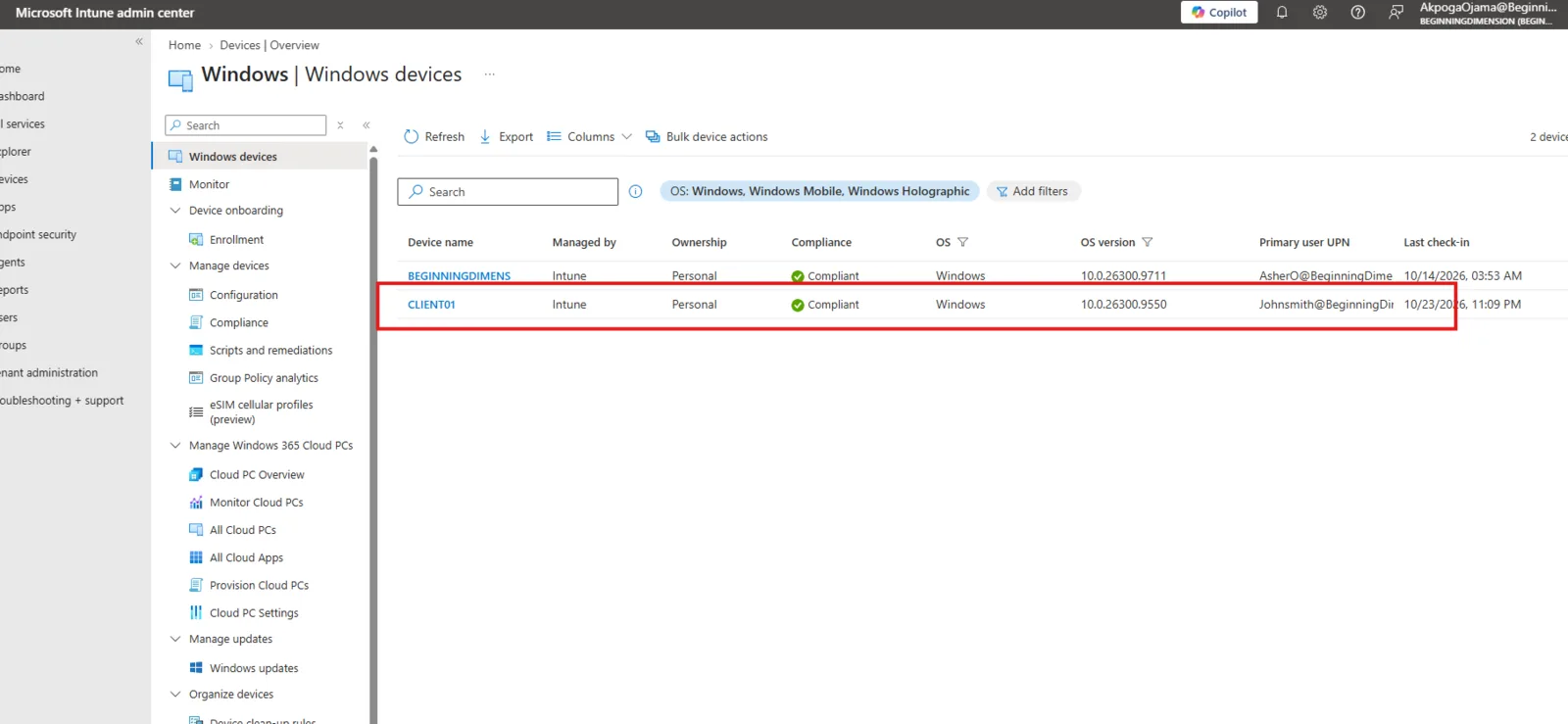
What I built
- Entra Connect with password hash sync. Tier 0 and Tier 1 admin OUs and service accounts are filtered out, so privileged on-premises accounts never sync to the cloud.
- Hybrid Entra join and automatic Intune enrolment for Windows 11, checked with
dsregcmd /status. - Compliance policies for BitLocker, Secure Boot, Defender health and patch level. BitLocker must save its recovery key to Entra ID before it encrypts the drive.
- Conditional Access requiring MFA and a compliant device. I ran it in report-only mode first, with break-glass accounts excluded, so nobody gets locked out.
- Win32 app packaging with IntuneWinAppUtil, Microsoft 365 Apps deployment, and Graph PowerShell compliance audits.
Why these decisions
Password hash sync keeps cloud sign-in working if the on-premises link goes down. Report-only mode shows what a policy would block before it blocks anyone. Both are choices I’d defend to a manager.