Entra ID governance, PIM and access reviews
Full identity lifecycle for 20 contractors in Microsoft Entra ID, automated with Microsoft Graph PowerShell, from CSV onboarding to just-in-time admin access and offboarding.
What I built
- Bulk onboarding from CSV with Graph PowerShell: strong passwords, a forced reset on first sign-in, and group placement.
- Dynamic groups driven by job title and department, so access follows the HR data.
- Administrative Units that scope helpdesk administrators to their own users, plus a custom log-reader role for SOC staff.
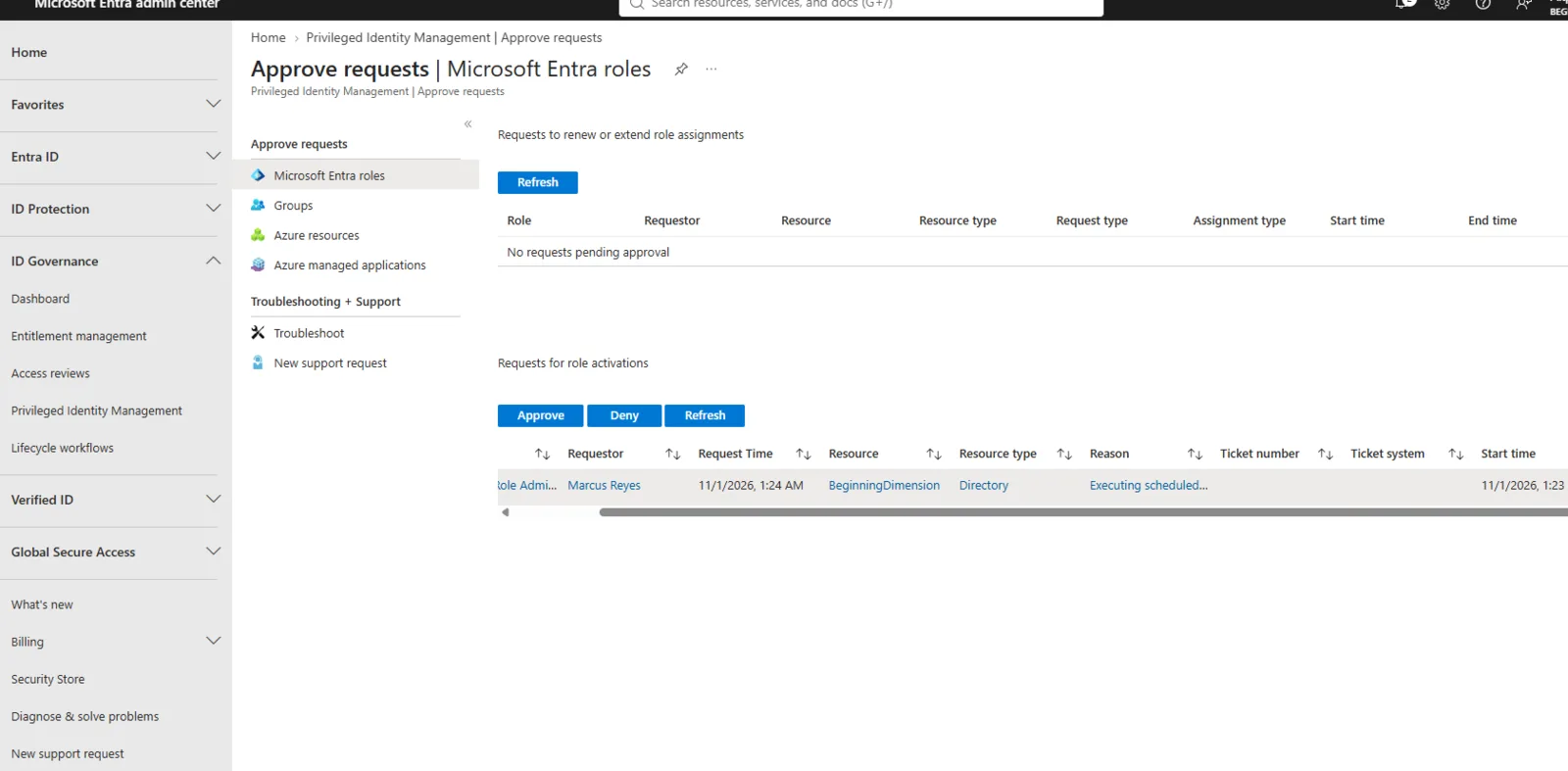
- Privileged Identity Management: eligible rather than permanent admin roles, with MFA, a justification, approval and a time limit on every activation.
- Access reviews for groups and apps, set to apply their results automatically.
- An offboarding script that disables the account, revokes sessions and removes licences, in that order.
- Mock-based unit tests for the lifecycle scripts.
How I worked
I checked every step against Microsoft Learn before writing it down. Each phase links the documentation it relies on and lists the licence it needs (P1, P2 or Governance). That way someone repeating the lab knows the cost before they start.